
Overview
Create Account
Sign up for a Resend account
Get API Key
Generate your Resend API key
Connect to Anything
Add your API key to Anything’s secrets
Account Creation
1
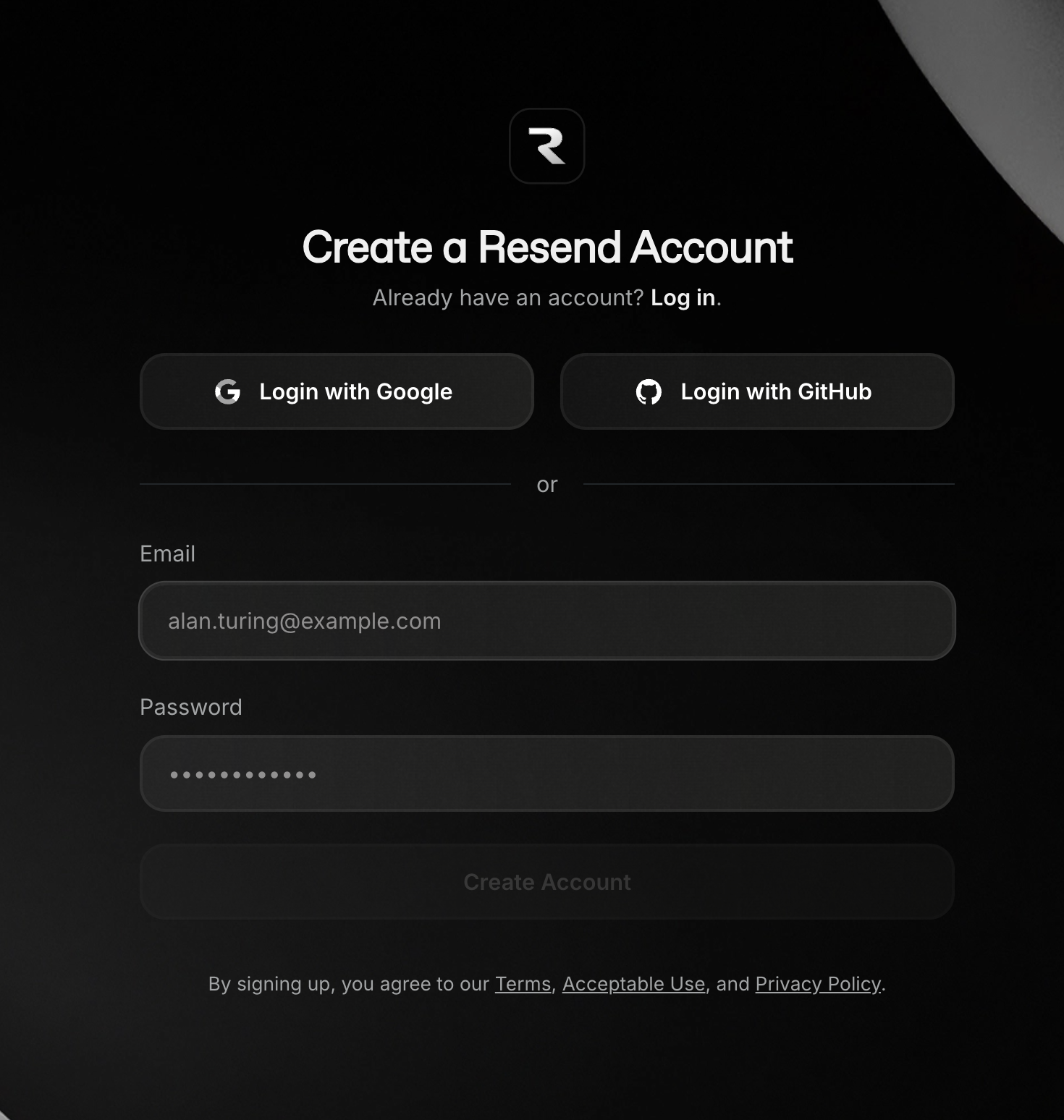
Visit Resend Website
Go to resend.com and click “Get Started”
2
Complete Registration
- Sign up with email/password
- Verify your email address
Generate API Key
1
Create New Key
If this is your first time generating an API key, this Get Started page will show.\Otherwise, navigate to the API Keys page.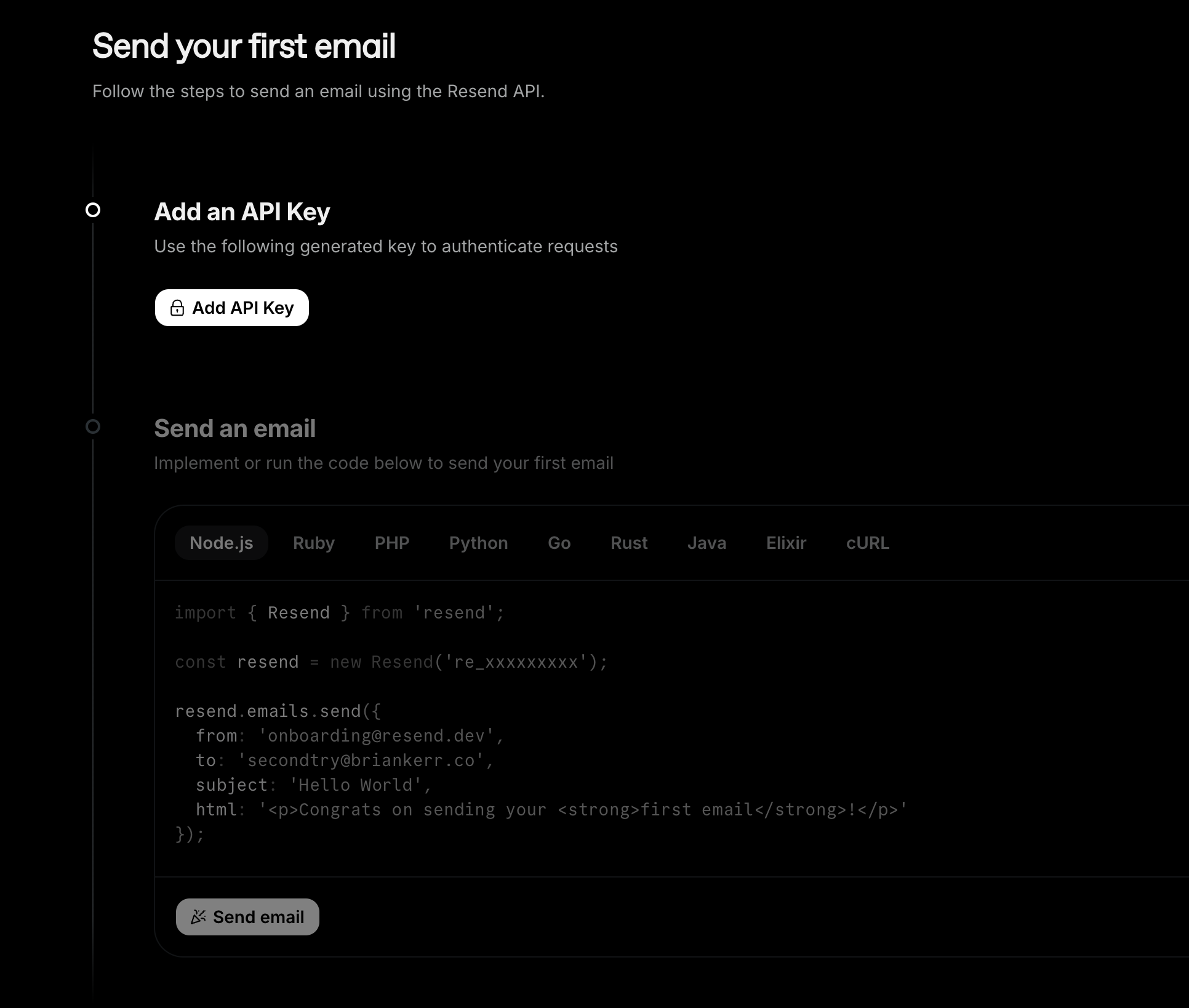
- Click “Add an API Key”
2
Secure Your Key
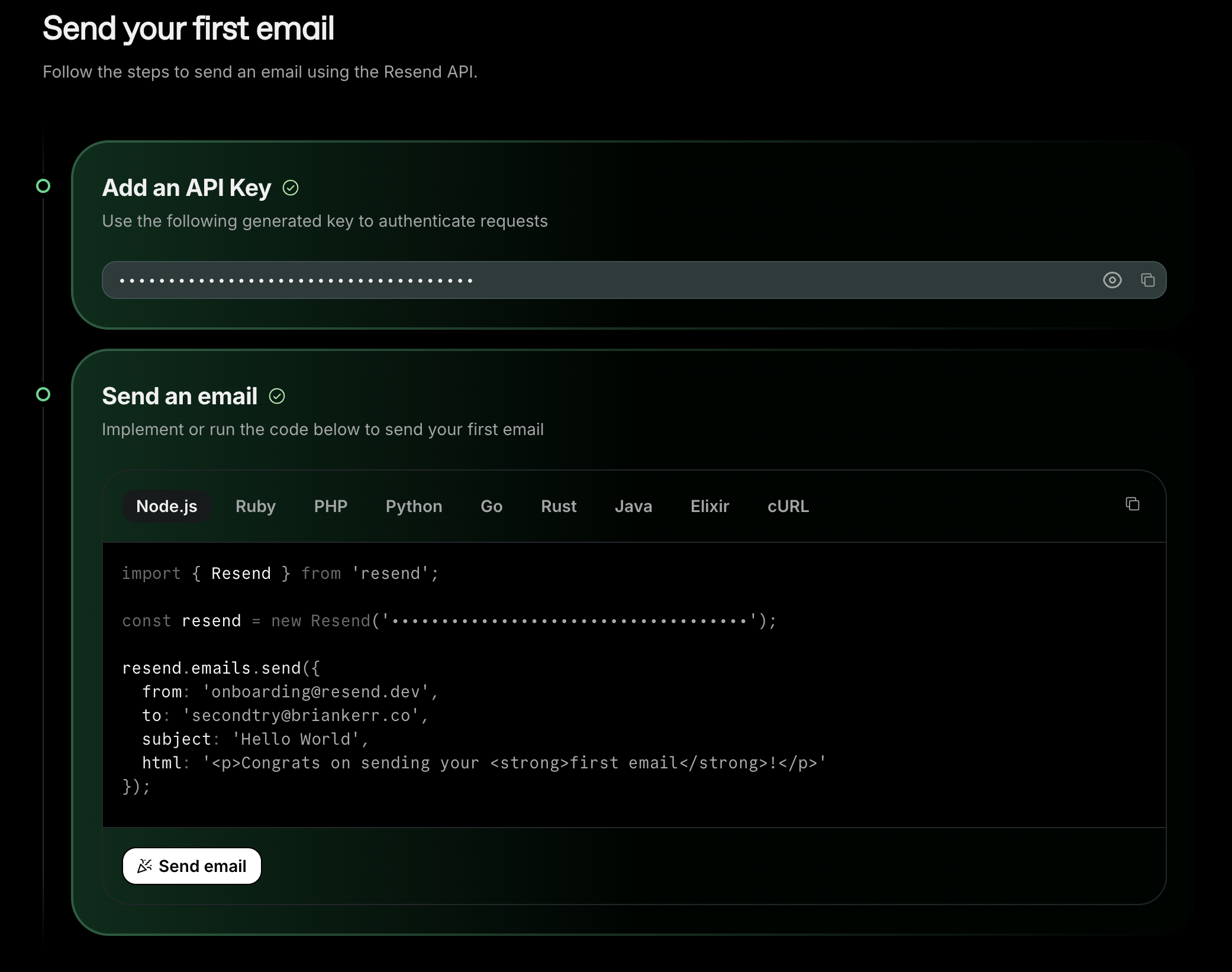
- Copy the API key
- Store it securely
- Test the key by sending a test email
Add to Anything Project
1
Add the Integration
- In your Anything project, type
/in chat - Select “Resend” from the menu
2
Add Your API Key
- Paste your Resend API key into “RESEND_API_KEY” secret
3
Start Sending
Use prompts to implement email features:
Send welcome email to new users with /ResendBuild a password reset flow using /ResendCreate a newsletter system with /Resend