
Previewing your apps
The iOS app previews both your mobile apps and web apps. It’s especially useful for mobile apps because it’s the fastest way to test how native device capabilities like GPS, haptics, and the camera will feel before you submit to the App Store. Don’t have the iOS app? You can still preview mobile apps using Expo Go. Anything for Android is coming soon.Getting started
- Download from the App Store
- Sign in with your Anything account
- Your projects appear automatically
Voice input
Tap the microphone and talk instead of typing. Anything transcribes what you say in real time and sends it as a prompt. Pause, resume, or start over anytime.Device features
The agent can use your phone’s built-in capabilities in the apps you build:- GPS and location
- Camera and photos
- Push notifications
- Haptic feedback
- Audio recording
- Health and fitness data (HealthKit)
Cross-platform sync
Projects sync between your phone and the web. Start on mobile, finish on desktop.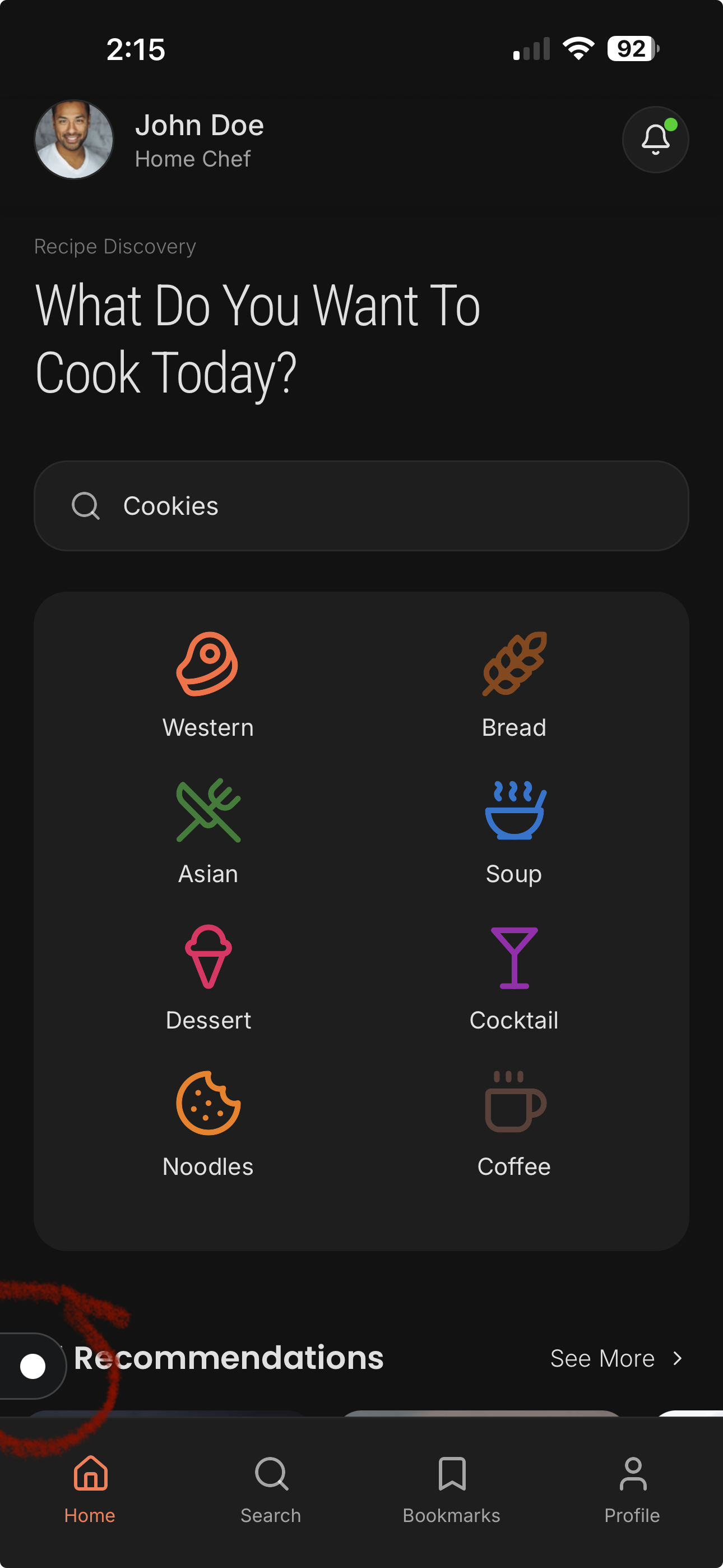
Navigation
The persistent nav button keeps you connected to your build. Pull down from the top to exit a project. Tap the white nav icon to return to the builder menu.Payments integration (subscriptions, Apple Pay, in-app purchases via RevenueCat) is coming soon.