
The template marketplace is where builders share production-ready apps you can use as a starting point. Browse what others have built, fork it into your own project, and customize from there.Documentation Index
Fetch the complete documentation index at: https://www.anything.com/docs/llms.txt
Use this file to discover all available pages before exploring further.
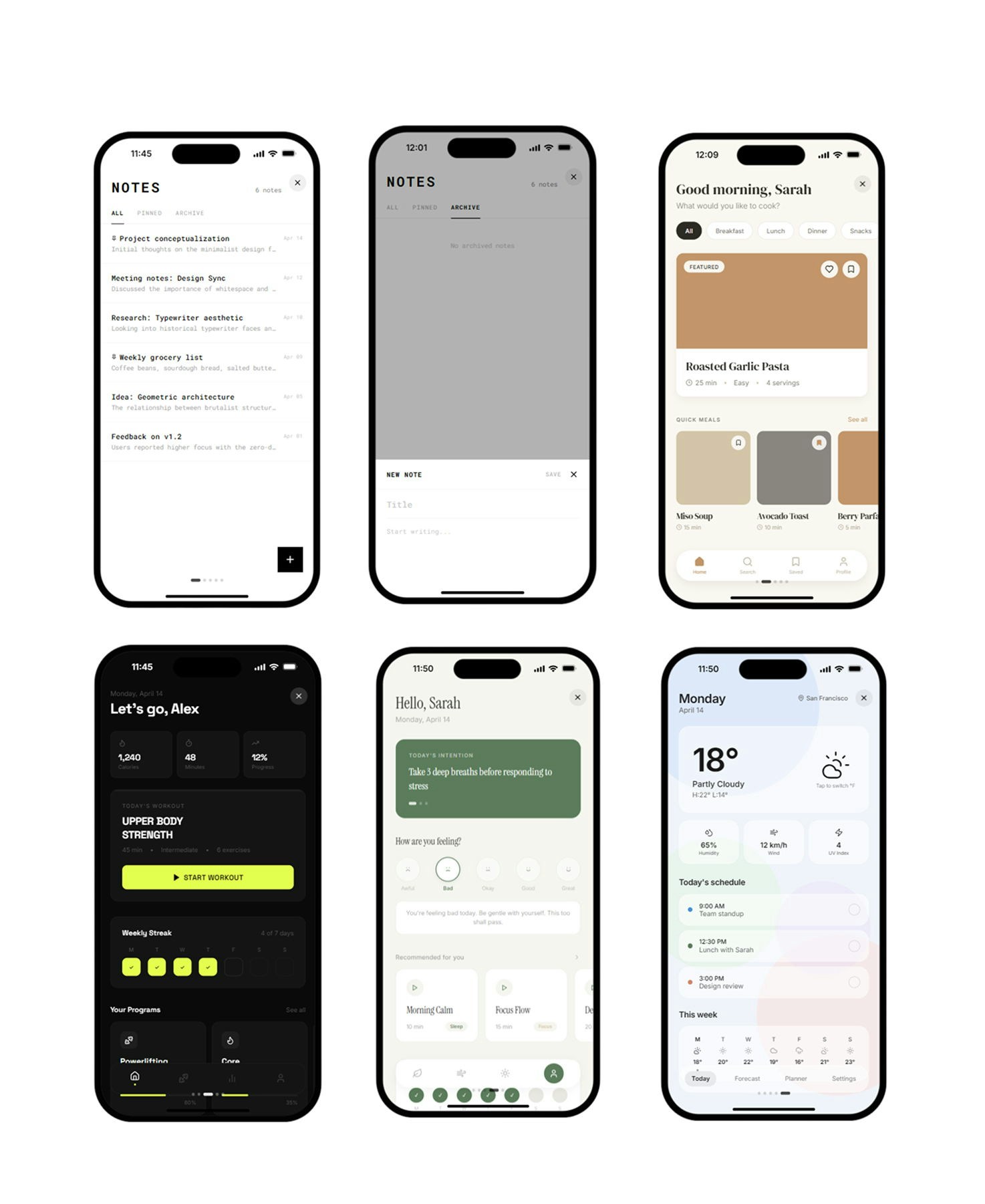
Browse templates
Go to anything.com/templates to see what’s available. Each template shows a preview screenshot, the creator, star rating, and price (in credits or free). Filter by category, sort by newest, trending, or highest rated, and click any template to see the full details, screenshots, and reviews.Use a template
- Open a template and click Use this template
- Paid templates deduct credits from your balance. Free templates are instant.
- Anything forks the template into a new project you own and can edit freely
You can also find your purchased and created templates in the Templates tab on your dashboard.
Sell a template
Turn a project you’ve built into a template others can buy.Submit for review
Go to anything.com/templates/submit or click Submit as template from the publish menu. Fill in a title, description, screenshots, tags, and price. Drag screenshots to reorder them. The first image becomes the primary preview shown on template cards and in search results.
Tips for getting approved
- Make your app polished. Replace placeholder content before submitting.
- Add clear screenshots showing the template in action.
- Write a description that explains what it does and who it’s for.
- Add 3-5 tags so people can find it.
- The best templates are things people can actually use or customize right away.
Pricing
Set your price in USD. Buyers pay the equivalent in credits. Free templates get more downloads. You can track your sales and earnings from the seller dashboard.Manage your templates
Find your templates in the Your Templates section of your dashboard. Click the three-dot menu on any template card to view, edit, or remove it. The edit modal lets you update the title, description, price, tags, and screenshots. You can drag screenshots to reorder them, and the first image displays a Primary badge since it appears in cards and search results. Removing a template delists it from the marketplace.Leave a review
Open any template you’ve used, scroll to reviews, and leave a star rating with optional text. One review per template.Credits
How credits work
Community
Connect with builders